
Multi-tenant n8n: architecture and isolation strategies
As South African SaaS providers, agencies, and enterprises double down on workflow automation and AI integration , Multi-tenant n8n: architecture and isolation strategies has become a hot topic. With more teams embedding n8n into client-facing products, questions around…
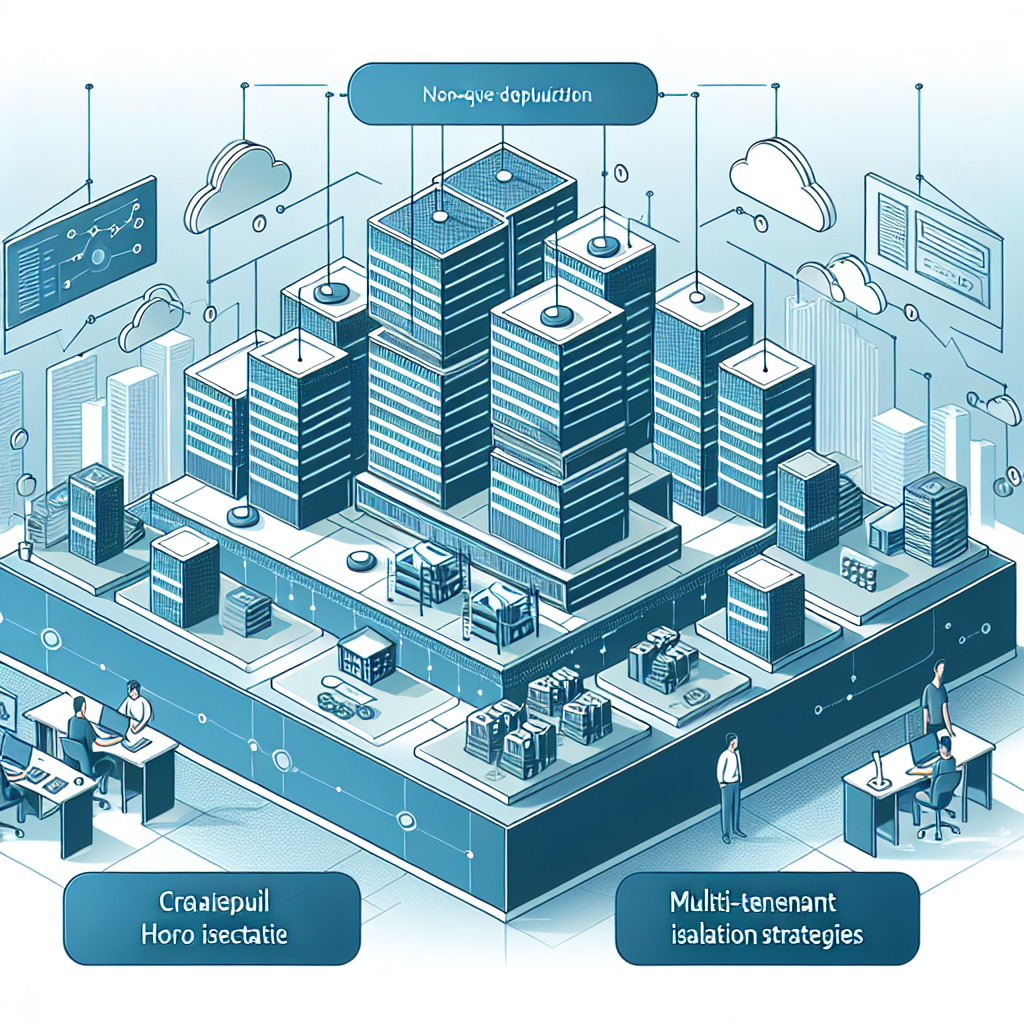
Multi-tenant n8n: architecture and isolation strategies
Introduction
As South African SaaS providers, agencies, and enterprises double down on workflow automation and AI integration, Multi-tenant n8n: architecture and isolation strategies has become a hot topic. With more teams embedding n8n into client-facing products, questions around data isolation, security, and scalability are now as important as “does it work?”. For many, this is part of a wider iPaaS (integration platform as a service) and automation platform strategy.
In this article, we unpack how to design a robust multi-tenant n8n architecture, explore tenant isolation trade-offs, and share patterns that work well for South African workloads that must handle POPIA, bank-grade security expectations, and cost-conscious infrastructure.
What does multi-tenant n8n mean?
In a multi-tenant n8n setup, a single automation platform instance (or cluster) serves multiple tenants—typically customers, business units, or brands—while keeping their data, workflows, and credentials isolated. Tenants share underlying infrastructure but should never see or affect each other’s data.
Key goals of multi-tenant design
- Strong data isolation between tenants (workflows, logs, credentials, files).
- Predictable performance as tenants scale.
- Clear billing and usage tracking per tenant.
- Simple operations for DevOps and support teams.
Core architecture options for Multi-tenant n8n
1. Dedicated n8n instance per tenant
One of the most straightforward approaches to Multi-tenant n8n: architecture and isolation strategies is to run a separate n8n instance per tenant—often in Docker or Kubernetes.[1]
How it works
- Each tenant receives its own n8n process, database, credential store, and webhooks.[1]
- Isolation is enforced at the infrastructure and network layer.
- Orchestration tools (e.g. Kubernetes, Docker Compose) manage scaling and deployments.[1]
Pros
- Strong isolation by default (blast radius is per-tenant).
- Easier compliance and audits, especially for regulated industries.[1]
- Ability to tune CPU/RAM per tenant.
Cons
- More operational overhead as the number of tenants grows.[1]
- Higher baseline infrastructure costs for small tenants.
2. Single n8n instance with logical tenant isolation
Another common strategy for Multi-tenant n8n: architecture and isolation strategies is to run a single shared n8n instance and enforce isolation within application logic and the database.[1][3][4]
How it works
- One n8n instance serves all tenants.
- A middleware layer injects a tenant ID into each execution and database query.[1][3]
- Workflows and credentials are designed to be tenant-aware and always filter by tenant ID.[3][4]
- Database uses row-level security (RLS) or schema-based isolation to enforce boundaries.[3][4]
Pros
- Lower infrastructure costs and fewer services to manage.[1]
- Easier to ship features across all tenants.
- Centralised observability and management.
Cons
- Requires strict discipline in workflow design and code reviews to prevent cross-tenant leaks.[1][3][4]
- Security mistakes have a larger blast radius.
3. Hybrid: per-tenant instances for high-risk segments
A hybrid pattern blends both strategies: keep most customers in a shared multi-tenant n8n instance, but run dedicated instances for high-value or regulated tenants.[1]
This works especially well for South African environments where financial services or healthcare customers insist on stricter isolation, while SMEs are happy to share infrastructure to reduce costs.
Tenant isolation strategies in detail
1. Workspace and workflow isolation
Effective Multi-tenant n8n: architecture and isolation strategies start at the workspace level. Logical isolation should ensure:
- Tenants can only see their own workflows, executions, and logs.[1][4]
- Any shared workflows are parameterised by tenant ID and do not mix data.[4]
A common pattern is to use a single canonical workflow for all tenants and inject a tenant context (tenant ID, limits, config) at the entry point, rather than duplicating workflows per customer.[4]
2. Database and schema isolation
Database design is critical for Multi-tenant n8n: architecture and isolation strategies, especially when integrating n8n with multi-tenant backends (like Django or Supabase).[2][3][4]
Options
- Per-tenant database: one physical database per tenant (strongest isolation, highest overhead).
- Per-tenant schema: schemas like
tenant_123_schemawithin a shared database; n8n queries are automatically scoped to the correct schema based on tenant ID.[2] - Shared tables with tenant ID + RLS: central tables with a
tenant_idcolumn and strict row-level security policies.[3][4]
Row-level security and policy enforcement
With RLS, every query that n8n executes is filtered by the authenticated tenant ID.[3][4] This is particularly powerful when:
- You proxy all n8n database access through a service that attaches tenant claims.
- You enforce “zero trust” at the database level as a final guardrail.[3]
3. Credential and secret isolation
Multi-tenant n8n must ensure tenants never share or see each other’s credentials.[1][3] Recommended practices include:
- Use a central secret manager (such as Vault or cloud secret services) with per-tenant namespaces or policies.[1]
- Never embed credentials directly in workflows or version control.[1]
- Rotate credentials regularly and prefer short-lived tokens (e.g. JWTs, OAuth tokens).[1][3]
4. Network and perimeter isolation
Network isolation complements logical controls and is a core part of Multi-tenant n8n: architecture and isolation strategies.[1][3]
- Run n8n inside VPCs/private subnets and expose only the necessary webhooks.[1]
- Hide n8n endpoints behind a reverse proxy that authenticates requests and injects tenant IDs.[3]
- Add a WAF, DDoS protection, and rate limiting for internet-facing endpoints.[3]
5. Authentication, authorization, and RBAC
Multi-tenant